
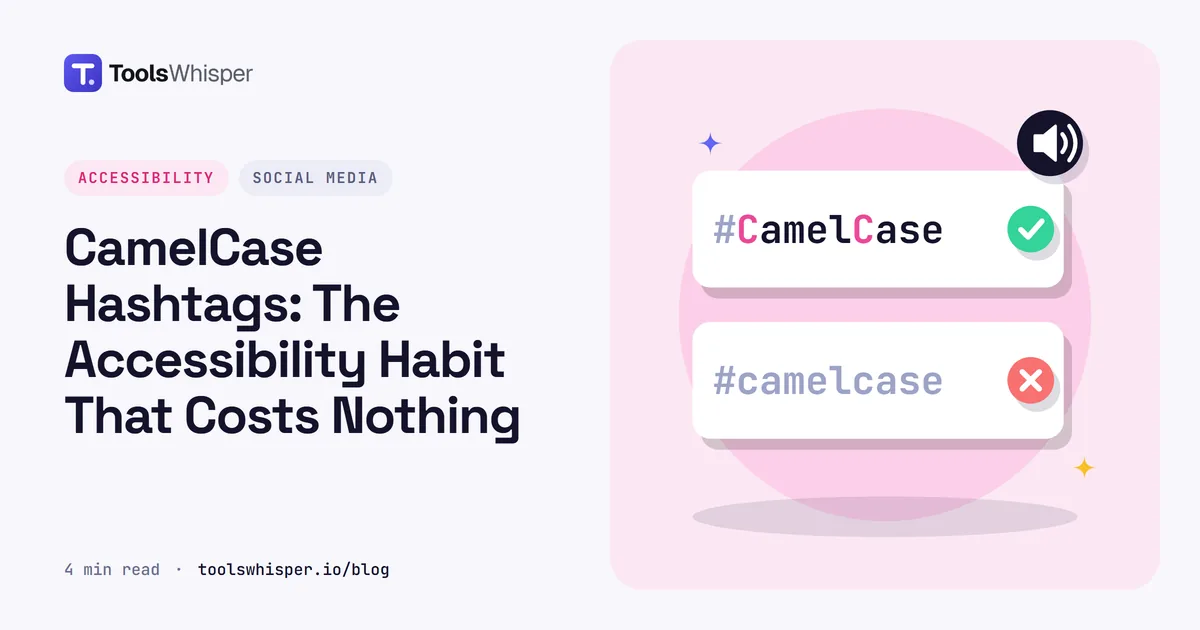
A hashtag has no spaces. #socialmediatips is a run of fifteen letters, and a sighted reader parses it in a blink: social, media, tips. A screen reader has no such shortcut. Given all lowercase letters it will often read the whole thing as one invented word.
The fix is one of the cheapest accessibility improvements there is: capitalise the first letter of each word. #SocialMediaTips is read as three words. It costs nothing, takes a few seconds, and helps real people. This post explains why it works, what to call it, and where the advice has limits.
What actually goes wrong
Screen readers speak text by working out where words start and stop. In ordinary prose spaces do that job. In a hashtag there are none, so the software has to guess from the letters alone, and with all lowercase letters it has nothing to go on.
Accessibility guides from universities and from the web accessibility consultancy Bureau of Internet Accessibility make the same point: without capital letters there is no cue that a hashtag contains several words, so it is often read as one long word. Capitals give the software the cue. Their standard example is #DisabilityJusticeForAll, which reads as separate words, against the lowercase version, which does not.
The benefit is not limited to blind users. Guidance from the same sources notes that people with dyslexia or other cognitive disabilities also find capitalised hashtags easier to read, and many sighted readers do too. A long lowercase hashtag is hard for anyone.
camelCase or PascalCase?
Two names get used, loosely:
- camelCase capitalises every word except the first:
#socialMediaTips. - PascalCase capitalises every word, including the first:
#SocialMediaTips.
In everyday talk about hashtags, people usually say "camel case" and mean either. The distinction matters little for screen readers, because both give clear word boundaries. PascalCase has one small edge: the first word is marked as well, which looks more consistent on the page. Several accessibility guides recommend capitalising the first letter of every word. Pick one style and use it for every hashtag you post.
Does capitalising hurt your reach?
The usual worry is that capitals create a different hashtag. On the platforms we know of, hashtags are matched without regard to case, so #SocialMedia and #socialmedia lead to the same results. Capitalising does not split your audience. If you are not sure about a particular platform, try searching both forms and compare what comes back.
The easy way to do it
Typing capitals by hand is simple for one hashtag and tedious for a campaign. The hashtag generator turns keywords or a whole caption into hashtags and camel-cases multi-word ones for you, so social media tips comes out as #SocialMediaTips. If you need the same transformation for something that is not a hashtag, such as a variable name, the text case converter offers camelCase and the other common styles.
Everything runs in your browser, so unpublished campaign copy is not sent anywhere.
Beyond capital letters
Capitalisation is the biggest single improvement, but the same guides suggest a few related habits:
- Put hashtags at the end of a post. A screen reader reads them aloud in sequence. A block at the end can be skipped, while hashtags scattered through a sentence interrupt it.
- Use fewer of them. A post with fifteen hashtags makes a listener sit through all fifteen. Each one should earn its place.
- Keep them to letters and numbers. Punctuation ends a hashtag early, and emoji inside a hashtag can break both search and speech.
- Avoid hashtags that read badly when run together. Capitals also protect you from accidental readings. If two words can be split another way, capital letters show the split you meant.
- Do not use a hashtag as part of a sentence unless it reads naturally. "We are launching #SocialMediaTips today" is fine; a string of tags in the middle of text is not.
Where the advice runs out
It helps to be clear about the limits, because capitalisation alone does not make a post accessible.
- Platforms may undo it. One practitioner reported that LinkedIn's hashtag suggestions replaced camel-cased hashtags with lowercase versions. After you pick or edit a suggestion, check what the final post says.
- A few screen readers and settings behave differently. Capital letters are a strong signal, not a guarantee. If it matters, test with the screen reader your audience uses.
- It does not replace the rest. Alternative text for images, captions for video and plain language matter just as much. Capitalised hashtags are one good habit among several.
A quick routine
- Write the hashtag as separate words.
- Capitalise the first letter of each word, and be consistent.
- Keep it short, with no punctuation or emoji.
- Count them: fewer is better for everyone, including people using assistive technology.
- Put them at the end of the post.
- Re-read the final post after the platform has processed it.
It is rare for an accessibility fix to be this easy. The cost is a few capital letters, the benefit is real, and nobody who can see the hashtag will notice anything except that it is a little easier to read.