
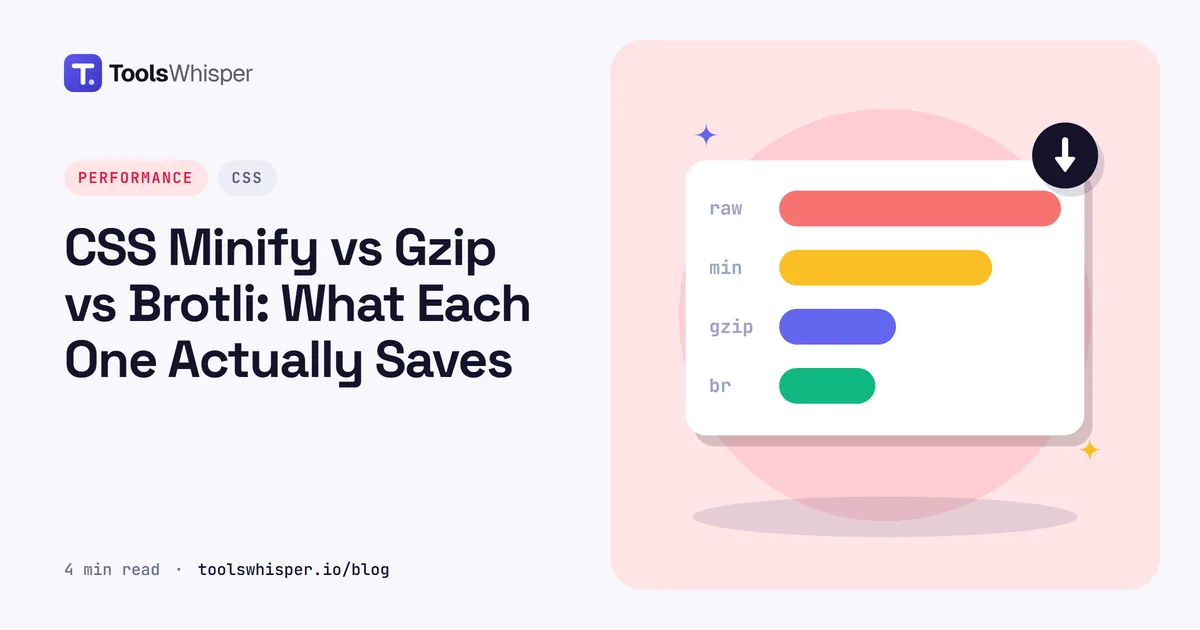
"Minify your CSS" is advice everyone has heard, and so is "turn on gzip". People often treat them as the same thing or assume one makes the other pointless. They are different steps that act on different parts of the file, and the numbers are more interesting than the slogans.
To get real figures instead of folklore, I ran one actual stylesheet through each step. It is the hand-written source of this site's own CSS: 380 lines, with comments, as a developer would leave it. The minifier is the one behind the CSS and JS minifier tool, and compression used Node's built-in gzip at level 9 and Brotli at level 11.
What each step does
- Minifying rewrites the CSS to be shorter and equivalent: it removes comments and extra whitespace, and tightens syntax. The browser still receives plain CSS and needs no extra step to read it.
- Gzip and Brotli are compression. The server shrinks the file for transport, and the browser expands it again. They find repeated patterns, so they are very good at text that repeats a lot, which CSS does.
Minifying changes the file. Compression only changes how it travels. That is why using both is normal.
The measurements
| Version | Raw size | Gzip | Brotli |
|---|---|---|---|
| Original (380 lines, with comments) | 12,170 bytes | 3,863 | 3,179 |
| Comments removed only | 9,451 | 2,715 | 2,293 |
| Comments removed, lines tightened | 8,971 | 2,677 | 2,242 |
| Fully minified | 8,038 | 2,527 | 2,155 |
A few results worth reading slowly:
- Compression did most of the work. Gzip alone took the original from 12,170 to 3,863 bytes, a 68% reduction. Brotli alone reached 3,179, a 74% reduction. Neither needed a minifier.
- Minifying still helped on top. The minified file was 34% smaller raw, and 35% smaller after gzip: 3,863 bytes down to 2,527.
- Brotli beat gzip. On the minified file, Brotli's 2,155 bytes is about 15% smaller than gzip's 2,527.
- Everything together was roughly an 82% saving. The minified, Brotli-compressed file is 2,155 bytes against 12,170 for the original.
Why the saving after gzip was so large
Many articles report that minifying adds only a few percent once gzip is on, and for some stylesheets that is true. This one did better, and the table explains why. Look at the second row: removing the comments alone cut the gzipped size from 3,863 to 2,715 bytes, almost all of the benefit.
Comments made up 2,719 bytes of this file, 22% of it, spread over 16 blocks. Comments are prose, and prose does not repeat the way CSS rules do, so it compresses poorly. Whitespace, by contrast, is extremely repetitive, and compression handles it almost for free. Going from "comments removed" to "fully minified" saved only about 150 bytes more after gzip.
To check that this was the reason, I tried the opposite case: a version with no comments at all. I re-indented the minified output, a rough stand-in for un-minified build output. The re-indented copy was 9,037 bytes raw and 2,601 gzipped. Minifying it saved 11% raw but only about 3% after gzip.
So the honest rule of thumb is this: after compression, minifying mostly pays for the comments you remove. A heavily commented stylesheet gains a lot. One with no comments gains a little.
What this means for your site
- Turn on compression first. It gives the biggest single gain, applies to every text file you serve (HTML, CSS, JavaScript, JSON, SVG), and costs you nothing in the source.
- Prefer Brotli where you can. Browsers only request it over HTTPS, and most servers need a module or a setting to offer it. Gzip is the safe fallback for everything else.
- Still minify. It is cheap, it is automatic in most build tools, and it removes the comments from what you ship. Keep the readable source in your repository.
- Do not minify by hand. Let the build do it. Hand-minified CSS is how a missing semicolon ends up in production.
This site follows the same logic. Its production stylesheet is already minified by the build, and comes to about 60 KB raw and about 11 KB gzipped.
Caveats on these numbers
- One stylesheet is one data point. The ratios depend on how repetitive the CSS is and how many comments it has. Your files will land somewhere else, and a framework's output will behave differently from hand-written CSS.
- Maximum compression levels flatter the results. I used gzip level 9 and Brotli level 11. Servers often compress on the fly at lower levels, because Brotli at its top level is slow to run per request. The best results come from compressing files ahead of time, once, at build, and serving the stored version.
- Size is not the whole story. A smaller file helps, but a stylesheet that blocks rendering can still delay the first paint. Loading only the CSS a page needs matters as much as shrinking it.
Try it on your own file
The quickest way to know what these steps do for your site is to measure it. Paste a stylesheet into the CSS and JS minifier to see the raw saving. Then check what your server actually sends: in your browser's Network tab, a response's headers show content-encoding: gzip or br when compression is working, and the size column shows both the transferred and the uncompressed size.
Compression and minification solve different problems, so the question is never one or the other. Compress everything, minify what you ship, and remember that the bytes that matter most are often not in the CSS at all. Images usually dominate a page's weight, which is why compressing them well is the next place to look.