
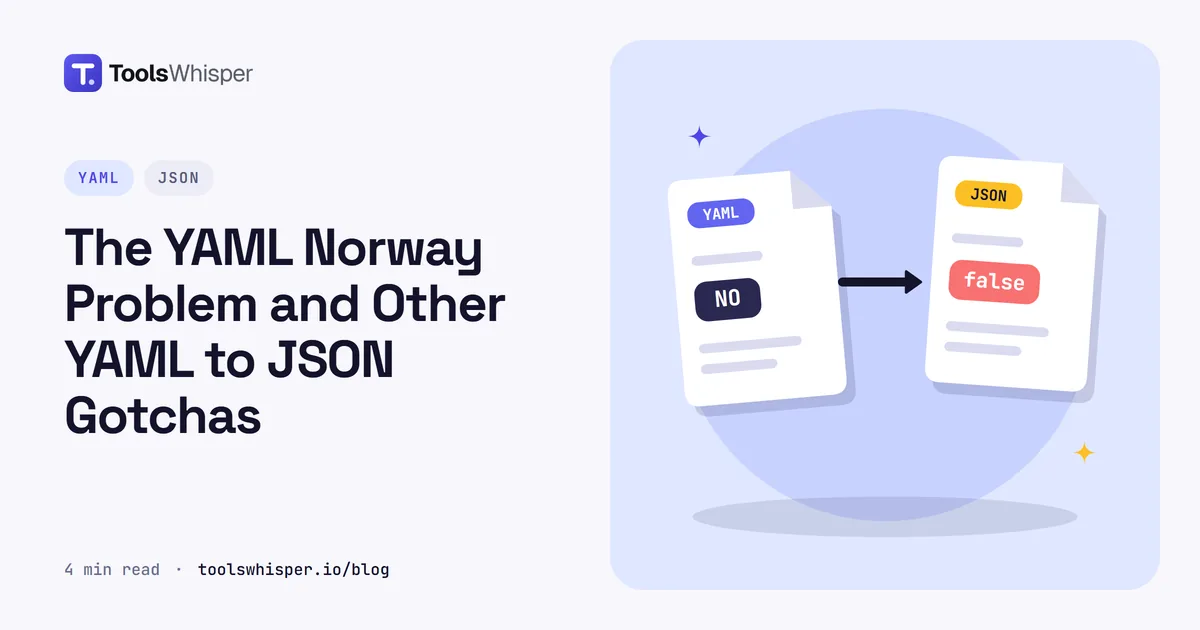
Here is a list of country codes in YAML:
countries: [SE, NO, DK]
Parse it with a YAML 1.1 library and you get ["SE", false, "DK"]. Norway has become false. This is the famous YAML Norway problem, and it is the best-known example of a wider issue: the same YAML text can mean different things to different parsers, and converting it to JSON is where the difference becomes visible.
Everything below was run, not recalled. The results come from the yaml JavaScript library, which can parse in either YAML 1.1 or 1.2 mode, and from js-yaml 5, the library behind the YAML to JSON converter on this site.
Why NO becomes false
YAML 1.1, published in 2005, defined a boolean type with a lot of spellings: y, n, yes, no, on, off, plus the usual true and false, in several capitalisations. An unquoted NO matches, so it is read as a boolean rather than as text. Norway's country code is NO, which is how the problem got its name.
YAML 1.2, published in 2009, narrowed booleans to true and false. A parser that follows 1.2 leaves NO alone, as the same input shows:
| Input | YAML 1.1 | YAML 1.2 |
|---|---|---|
countries: [SE, NO, DK] |
["SE", false, "DK"] |
["SE", "NO", "DK"] |
a: yes, b: no, c: on, d: off |
true, false, true, false |
"yes", "no", "on", "off" |
a: y, b: n |
true, false |
"y", "n" |
The catch is that many parsers still follow 1.1 by default. PyYAML, a very common Python library, implements 1.1. Whether your data survives therefore depends on which parser reads it, not on what you wrote.
More places the two versions disagree
The booleans are the famous case, but 1.1 has others, and each one changes a value without warning:
| Input | YAML 1.1 | YAML 1.2 |
|---|---|---|
a: 014 |
12 (octal) |
14 |
b: 0o14 |
"0o14" (text) |
12 |
time: 22:22 |
1342 (minutes and seconds in base 60) |
"22:22" |
big: 1_000 |
1000 |
"1_000" |
date: 2026-10-30 |
a date, 2026-10-30T00:00:00.000Z in JSON |
"2026-10-30" |
The 22:22 row is the oddest. YAML 1.1 reads a colon-separated number as a sexagesimal value, so 22:22 is 22 × 60 + 22 = 1342. That is how a time, a port mapping like 22:22 or an episode number becomes a plain integer.
Octal is the quieter one. A zero-padded value such as a file mode, a zip code or a version component can switch between 14 and 12 depending on the parser, and nothing fails.
What you get from the converter on this site
The converter on this site uses js-yaml 5, which follows the 1.2 style. For the inputs above it behaves like the right-hand column: NO stays "NO", yes stays "yes", 22:22 stays text, and 014 becomes 14. Dates also stay text: 2026-10-30 comes out as the string "2026-10-30", not a date object.
It is worth knowing a few other results from the same run:
- Version numbers lose a zero.
version: 3.10becomes the number3.1, in both YAML versions. If it is a version, quote it:'3.10'keeps its text. - Leading zeros vanish.
zip: 02134becomes2134. Quote anything that is an identifier rather than a quantity. - Large integers lose precision.
id: 12345678901234567890becomes12345678901234567000, because JSON consumers read it as a double. Quote it to keep every digit. - Infinity has no JSON form.
.infand.nancome out asnull. - Merge keys are not applied.
<<: *baseis the YAML 1.1 way to copy a mapping into another. The converter does not expand it: the output contains a literal"<<"key holding the copied values. Plain anchors and aliases (&baseand*base) are expanded correctly.
Things JSON cannot carry
Some differences are not about interpretation at all. They are things YAML has that JSON does not, and they disappear on the way:
- Comments are dropped.
a: 1 # keep mebecomes{"a": 1}. JSON has no comment syntax. - Several documents become an array. A file with
---separators converts to a JSON array with one element per document, which may not be the shape your consumer expects. - Anchors and aliases are expanded. The result is larger and the sharing between values is gone.
- Duplicate keys are an error. Many YAML parsers reject a mapping that repeats a key, and so does this converter.
- Tabs are not allowed for indentation. YAML forbids them, and the converter says so.
How to convert safely
- Quote strings that look like something else. Country codes, version numbers, zip codes, anything with a leading zero, and the words
yes,no,on,off.'NO'is unambiguous in every YAML version. - Check which version your parser follows. If it offers a YAML 1.2 mode, use it. If you cannot, assume 1.1 rules and quote defensively.
- Run a linter.
yamllinthas atruthyrule that warns about unquotedyes,no,onandoff. - Look at the result. After converting, scan the JSON for values that changed type, such as a
falsewhere a string should be. Our JSON formatter makes that quick, and the JSON versus JavaScript objects post covers other ways the two formats differ. - Validate the shape. A type check against a schema catches a boolean where a string belongs. Syntax versus schema validation explains why syntax alone will not.
The short version
YAML looks simple and has a long history of parsers that read it differently. If a value could be read as a boolean, a number or a date, quote it, and always inspect what a conversion produced before you trust it. The Norway problem is not a bug in one library. It is what happens when a format changes its rules and the old rules stay in use.